Technology is easier when you already have people you trust.
Computer Wall is Patrick and Marlena, a small local technology shop in Stony Plain built around long-term customer relationships. When something breaks, needs replacing, needs setting up, or simply doesn't make sense, you can bring it to people who already know you — instead of starting over with another store or another technician.
Already a customer? Call or text 780-994-6203
Start with your situation, not with the service.
You don't have to figure out whether you need a repair, an upgrade, an account fix, a Wi-Fi visit or a new-computer setup before you get in touch. Tell us what's happening — we'll help figure out the right next step.
Bring it in. We'll determine what happened and whether repair makes sense before you commit to the work.
See computer repair →Help choosing an appropriate replacement, moving your data, configuring the new device and making the changeover easier.
See replace & set up →Computers, accounts, email, printers, Wi-Fi, tablets, connected devices — and the unusual issues that don't fit neatly into a repair category.
See technology help →Technology help for small local businesses. Not managed IT. You still deal with the same two owners.
See business support →Patrick and Marlena. That's the shop.
Computer Wall is deliberately small. No rotating counter staff, no call centre, no sales department passing you to someone else. Returning customers deal with the same two people they dealt with last time — and we already know what we did for them.
More than ten years of computer and technology troubleshooting experience, plus a degree in Network Systems Administration. Patrick handles diagnosis and technical recommendations — the person actually looking at your machine when you drop it off.
More than ten years of customer-service experience. Marlena handles the communication, coordination and human side of the shop — scheduling, follow-through, and making sure the notes on your setup are there when you come back.
Sometimes repair. Sometimes replacement. Sometimes neither.
Computer Wall isn't set up to funnel every situation into a repair. Sometimes repair makes financial sense. Sometimes replacement makes more sense. Sometimes the issue is much smaller than it first appears. Sometimes the honest answer is to spend nothing at all.
We tell you which one applies to your situation. That's part of why customers come back — they know they'll get a sensible next step, even when the sensible next step isn't the one that generates the biggest invoice.
When the answer is replacement, we can help with that side too: choosing an appropriate replacement, sourcing it where appropriate, setting it up, moving your files and accounts, and making the changeover easier than doing it yourself.
However you need help, you start the same way.
Send a request through the website, walk in, text, or call. You don't need to know what service you need.
It may be a quick answer, shop work, an onsite visit, a replacement rather than a repair, or a larger project.
Simple work stays simple. Larger work is scoped and quoted before it begins.
For substantial work we provide follow-up related to what we did — and we keep the notes on your setup so the next visit picks up where this one ended.
Already a Computer Wall customer? Welcome back.
Whether it's been a couple of weeks or a few years, we can pick up where the last visit left off. Give us a call, drop in during shop hours, or send a request — the same two owners are here.
Simple work stays simple — a quick fix or a straightforward answer isn't priced like a project. Larger work is scoped and quoted before it begins, so you're not committing without a number in hand.
For traditional computer repair specifically, most jobs land in a $179–$299 range depending on the actual work. Parts are quoted separately. Data recovery and business systems are quoted case by case. Details on the Computer Repair page.
Start with the problem, not the service.
You don't have to figure out whether you need a repair, a migration, a setup, a network visit or something else. Describe what's happening and we'll take it from there.
Any of these — you don't have to figure out which service you need.
Pick what sounds closest — you don't need to be sure.
A computer that appears completely dead can have several possible causes, so we won't guess at a repair price from the symptom alone. Bring it in and we'll determine the sensible next step.
- Try a different charger or power cable if you have one on hand. Dead adapters are common and cheap to rule out.
- With a laptop: unplug everything, hold the power button down for 30 seconds, plug it back in and try again. That drains stuck power.
- If you smell burning, see damage, or the machine got wet, stop and bring it in. Don't keep trying to power it on.
Slow doesn't automatically mean it needs replacing. We'll determine whether the problem is worth repairing or upgrading before you spend money on a new machine.
- Fully restart the computer (Start → Power → Restart, or shut down and turn back on). Sleep doesn't count.
- Check your free storage space. Under about 10% free can slow the whole system down on its own.
- Note when it started slowing. After a Windows update, a new program install, or a specific website?
These symptoms can come from hardware or software problems. We can test the machine and determine whether repair makes financial sense.
- Take a photo of the error screen if you can catch one. The STOP code and any file name shown tell us exactly where to look.
- Note whether the crash happens randomly, only at startup, or during a specific task (games, video, waking from sleep).
- If it happens under heavy use, check whether the fans sound louder than normal. Overheating from dust is fixable and cheap.
We can assess what's recoverable and explain the recovery options before proceeding.
- Do not run chkdsk, "disk repair" tools, or install file-recovery software before we look. They can overwrite the files you're trying to save.
- Try not to keep using the computer for other work in the meantime. Every read/write can make recovery harder.
- If you have an external drive with enough space, bring it. We often recover onto a separate drive so nothing writes back to the failing one.
Parts and cost depend on the exact model. Send us the model number or bring the device in and we'll determine what it needs.
- For charging problems: try a different charger or cable if you can borrow one. Chargers fail more often than the port.
- For screen problems on a laptop: plug into an external monitor if you have one. If the external picture looks normal, the screen itself is the issue — and that's usually a straightforward part swap.
- For battery problems: note whether the laptop runs fine on the charger with the battery reading as failed.
That's fine. You don't need to diagnose it before contacting us. Tell us what you're seeing and we'll help determine the next step.
- What you were doing when the problem started, and roughly when it began.
- A photo of any error message or unusual screen you can catch.
- If files, permissions or accounts are involved, avoid using the device until we've looked.
A lot of customers naturally end up in an ongoing relationship with us — the more we know about your setup, the faster and cheaper the eventual decisions become. Personal Technology Care is the formal version of that, but you don't need to commit to a plan to build the relationship.
- Send a request describing what's on your mind — we'll suggest whether an ongoing arrangement makes sense.
- Or read about Personal Technology Care first.
Buying a new device is one job. Making it usable is another — moving your files, accounts, email and normal programs to a device you actually want to use. Bring us the old and the new (or ask for buying advice before you shop) and we'll handle the move-in with you.
- Both devices if you already have them, plus any external drives with files you want moved.
- Passwords for the accounts you sign into daily.
- A rough list of the programs you actually use.
Whether you've already lost something, want protection against losing files in future, or need to move files between devices, we can help. We'll tell you what's actually recoverable before you spend money on recovery.
- Don't run chkdsk, "disk repair" tools or file-recovery software before we look.
- Backup: identify the files you'd genuinely miss — photos, work documents, tax records.
- Moving files: bring the source device, the target device, and an external drive if you have one.
We help with setup, accounts, transfers, backups, connectivity, software and troubleshooting — and the same kind of help extends to smart TVs, streaming devices, watches and app-connected devices around the house. We're not a walk-in screen-repair store and we don't do phone hardware repair. If you need someone to actually think through a phone or tablet issue with you, we're the shop for that.
- Bring the passwords for the Apple, Google or Microsoft account tied to the device.
- Note when the problem started and roughly what changed around then.
- If photos or contacts appear missing, check whether they show up on another device signed into the same account.
Home Wi-Fi, printers, smart TVs, streaming devices, smart doorbells, cameras, thermostats and other app-connected devices often need real hands on them — and often need to be worked on where they live. If we haven't worked with your specific device before, we'll figure it out with you.
- For Wi-Fi problems: note where it happens. The whole house, one room, one device?
- For a stalled connection: unplug the modem and router for 30 seconds, then plug the modem back in first.
- For printers, note the make and model.
Workstations, Microsoft 365, backup, networking, new-employee setup, printer and equipment planning — ongoing technology help from people who know your setup. Not managed IT. See Business Support.
- A rough picture of what you're using — how many computers, roughly what software, whether you're on Microsoft 365 or Google Workspace.
- If something specific is coming up soon, let us know the timeline.
- The first conversation is usually about mapping your current setup. No commitment.
That's fine — you don't need to know what you have or what's wrong. Tell us what you're seeing and we'll help determine the next step. If it turns out we're not the right shop, we'll tell you before you spend any effort on it.
- Take a photo of any error message or unusual screen if you can catch one.
- Note when the problem started and what you were doing when it did.
- If you know the make and model of the device, that helps.
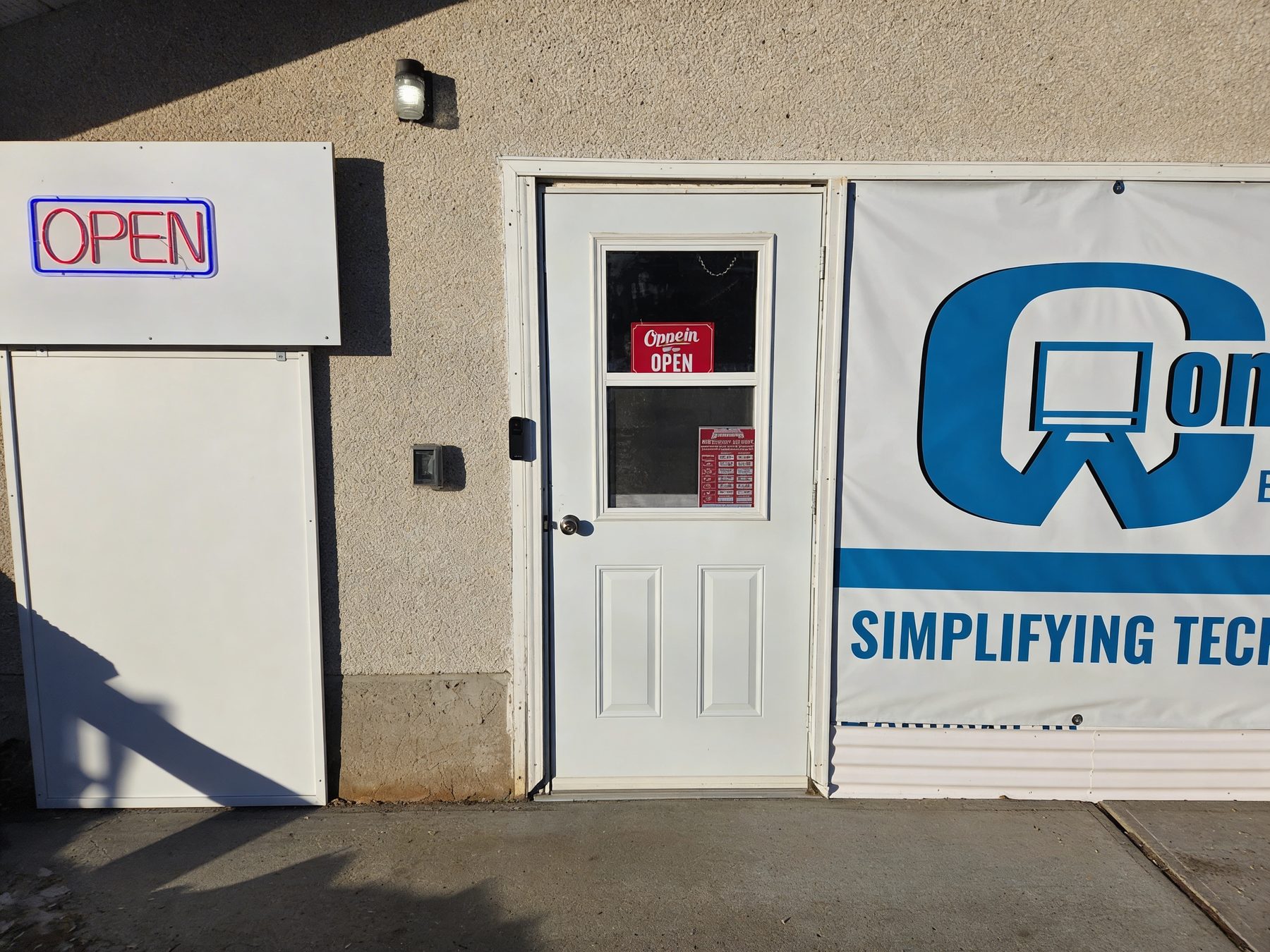
Closed Saturday and Sunday. No appointment needed for walk-in. If you're making a special trip, call or text first to confirm we're available.
Yes. Computer repair is one of the main reasons customers find us — we still handle repairs, upgrades, malware removal and data recovery. Repair isn't the entire business now, but it's a core capability. See Computer Repair.
No, for walk-in. Monday to Friday, 11am to 5pm. Onsite visits are by appointment. If you're making a special trip, call or text first to confirm we're available.
Call or text anytime. We respond during service hours — Monday to Friday, 11am to 5pm. For a new inquiry, a written request through the website is usually the fastest way to get a useful reply.
No. Sometimes repair is right, sometimes replacement makes more sense, sometimes the problem is smaller than expected, and sometimes the honest answer is to spend nothing. We tell you which one applies.
Phones and tablets: yes — setup, accounts, transfers, backups, connectivity, software and troubleshooting. We're not a walk-in phone-screen shop and we don't do phone hardware repair. Gaming consoles: no.
We discuss backup options before any work that puts data at risk, and tell you what's recoverable before paid recovery begins.
Yes — returning customers are the whole point. We already know your setup and history, and pick up where the last visit left off.
Yes. Mac and Windows, laptops and desktops. Tablets too, for the kinds of help listed above.
Tell us what's going on and we'll help figure out the next step.